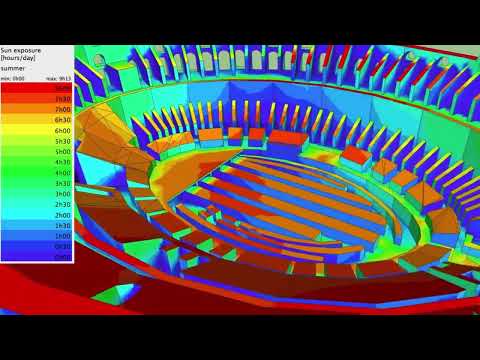
DL-Light overview
A short tour of DL-Light inside SketchUp: what it computes, how to launch a calculation and where the results land.

Exclusion bands
Several metrics and labels require an exclusion band along the edges of analysed surfaces. DL-Light builds these bands automatically when generating the sensor grid, with display options.

Select per layer
Selecting dozens of surfaces by hand is tedious. The select per layer tool grabs every surface in a SketchUp tag in one click, ready for calculation.

Interactive results in the model
DL-Light keeps a live link between the SketchUp geometry and the report, so clicking a result highlights the matching surface and vice versa.